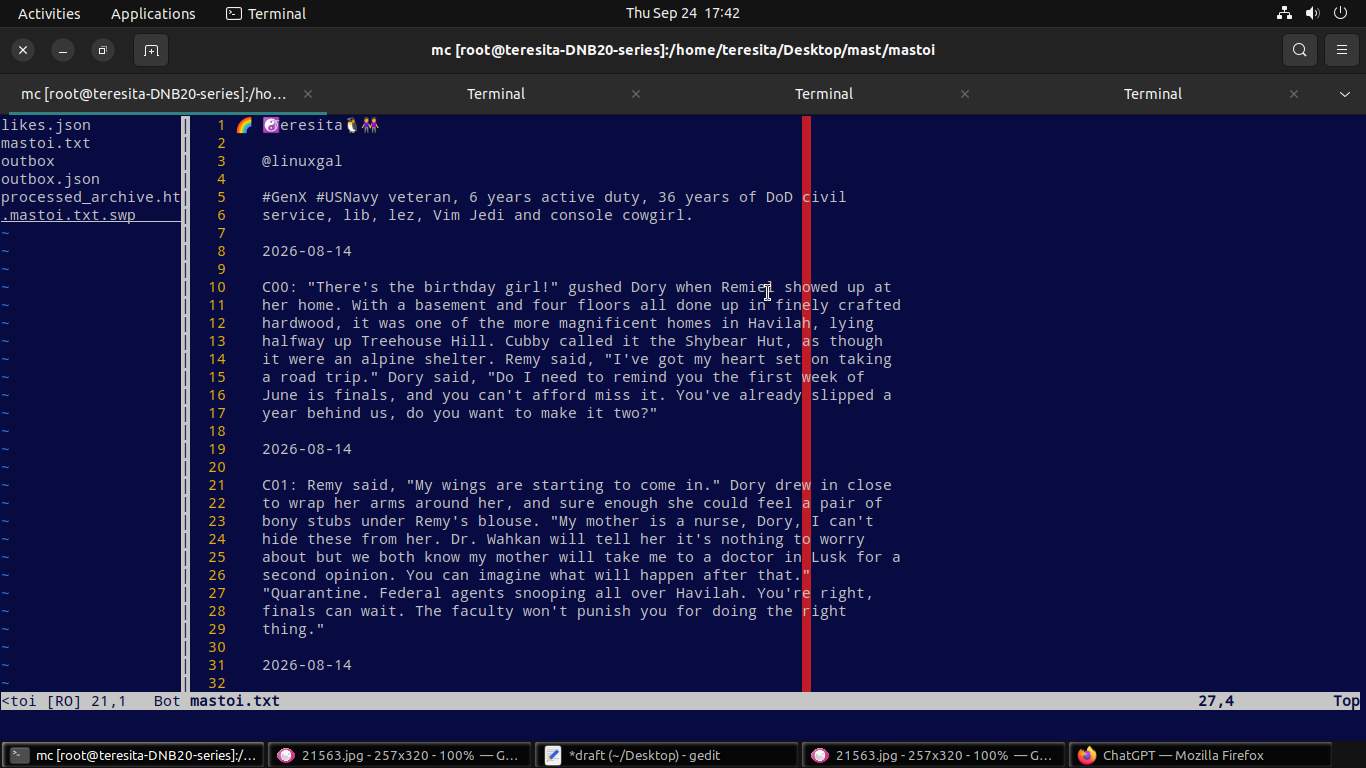
Python script to convert the text in your json Mastodon timeline archive to html
import json

with open("outbox.json") as f: outbox = json.load(f)
with open("actor.json") as f: actor = json.load(f)

articles = []
for s in [item.get("object") for item in outbox.get("orderedItems", [])]:
    if isinstance(s, dict):
        date, sumry, content = s.get("published")[:10], s.get("summary"), s.get("content", "")
        if sumry:
art = f”<article class=’post’>
{date}
<details><summary class=’sum’>{sumry}</summary>
{content}
</details></article>”
else:
art = f”<article class=’post’>
{date}
{content}
</article>”
        articles.append(art)

css = """<style>
body { margin:0; background:#282c37; color:#fff; font-family:sans-serif; line-height:1.5; padding:20px; }
#header { text-align:center; max-width:600px; margin:0 auto 30px auto; padding:20px; background:#1f232b; border-radius:12px; }
.post { max-width:600px; margin: 0 auto 20px auto; border:1px solid #393f4f; border-radius:12px; padding:15px; background:#1f232b; }
.date { text-align:right; font-size:0.85em; color:#8c8d9a; margin-bottom:10px; }
.sum { background:#282c37; padding:8px; border-radius:6px; cursor:pointer; font-weight:bold; }
.sum::after { content:' [Click to Open]'; font-size:0.8em; color:#8585f2; }
a { color:#8585f2; }
</style>"""

html = f"""<!DOCTYPE html><html><head><meta charset='UTF-8'><title>Archive</title>{css}</head><body>
<section id='header'>
{actor.get(‘name’)}
@{actor.get(‘preferredUsername’)}
{actor.get(‘summary’)}
</section>
{"".join(articles)}
</body></html>"""

with open("processed_archive.html", "w", encoding="utf-8") as f: f.write(html)